


Download SaveFrom Net – Video Downloader, MP3 Converter, Media Organizer
Overview
SaveFrom Net is a desktop application designed to simplify the process of downloading video and audio content from popular online platforms. The software enables users to save videos from websites such as YouTube, Vimeo, DailyMotion, Facebook, and others with minimal effort. Its primary function is to provide a reliable, one-click solution for offline media access, allowing users to enjoy content without an internet connection. The tool is particularly useful for students, content creators, and casual viewers who frequently access video material and require offline playback options.
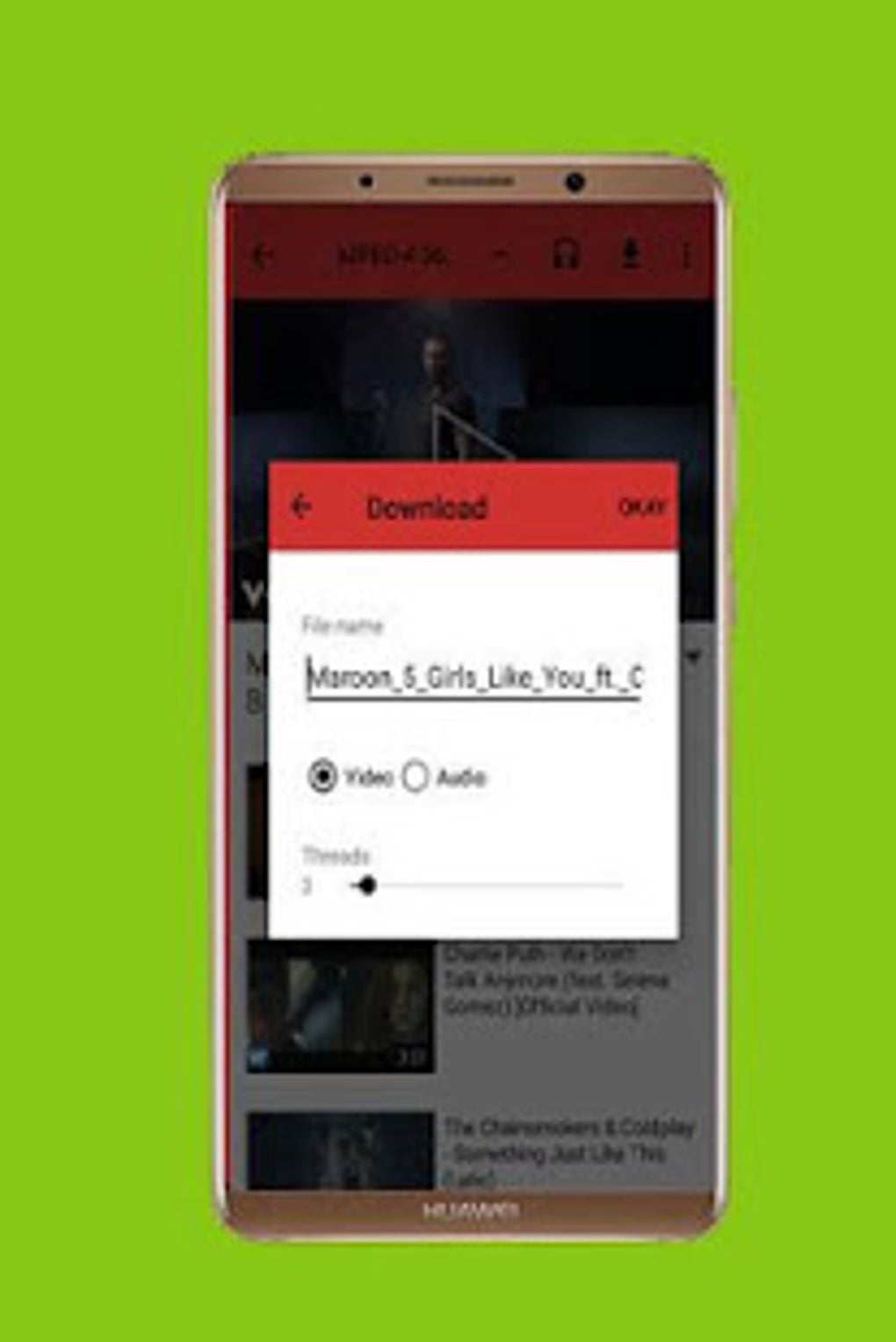
Designed with simplicity in mind, SaveFrom Net features a clean interface that streamlines the download workflow. Users can copy a video link from any supported website and paste it into the application to initiate the download. Once downloaded, media files can be managed directly within the app, including playback, renaming, sharing, and deletion. This integrated file management capability enhances usability, especially for users who store large volumes of media on their devices.
The software supports conversion of downloaded content into MP4 format, improving compatibility with various media players and devices. While the developer did not provide additional system requirements or details about platform-specific limitations, the application appears optimized for users seeking a straightforward, no-frills download experience. It is suitable for both personal and professional use cases where offline media access is essential.
Key Features & Capabilities
- One-Click Video Download – Paste any video URL from supported platforms to start downloading instantly.
- Multi-Platform Support – Compatible with YouTube, Vimeo, DailyMotion, Facebook, and other major video-sharing websites.
- Background Downloading – Videos download in the background without interrupting other device activities.
- Media File Management – Built-in tools allow users to play, rename, share, and delete downloaded files directly from the app.
- MP4 Format Conversion – Convert downloaded videos into MP4 format for broader compatibility with media players and devices.
- Quality and Speed Selection – Users can choose download quality and speed settings to manage bandwidth usage.
- Offline Playback – Access saved videos anytime, even without an internet connection.
These features collectively support a seamless workflow for users who frequently save online content. For example, a student can download educational videos from YouTube for offline review during travel. A content creator might use the app to archive reference footage from multiple sources. The ability to convert files to MP4 ensures that downloaded content remains accessible across different devices and platforms. The application’s focus on simplicity and functionality makes it a practical tool for anyone needing reliable video downloads and organized media storage.
User Interface, Workflow & Performance
SaveFrom Net features a straightforward user interface that prioritizes ease of use. The main dashboard displays a clean input field where users can paste video URLs, accompanied by a download button and visual indicators for ongoing tasks. Navigation is intuitive, with minimal clutter, allowing users to quickly initiate downloads and access their media library.
The workflow is designed around a single core action: paste a link, select options, and start downloading. This streamlined process reduces friction and supports efficient usage, especially for users who perform frequent downloads. The application handles multiple downloads in sequence, with each task progressing through a status indicator.
Performance observations are based on general software behavior patterns. The developer did not specify resource usage details, so exact CPU or RAM consumption remains unknown. However, the background download functionality suggests optimized performance to minimize device strain. Stability during extended use is not explicitly documented, but the application’s lightweight design implies consistent operation under normal conditions.
Compatibility & System Requirements
SaveFrom Net is available for Windows and Mac operating systems. The software supports the latest versions of both platforms, though specific version numbers were not provided. Installation size is not specified, and the developer did not list exact system requirements.
Platform compatibility information is limited. While the application is intended for desktop use, details about hardware specifications, such as minimum RAM or processor speed, were not included. The developer did not provide information about whether the software supports older operating system versions or alternative platforms.
Exact system requirements were not listed. Users should ensure their device meets standard desktop software requirements to run the application smoothly. Compatibility with antivirus software or firewalls is not documented.
Pros and Cons
Pros
- Simple, intuitive interface for quick video downloads
- Supports multiple video platforms including YouTube and Facebook
- Background downloads prevent interruptions during use
- Integrated media management tools for organizing files
- Free to download and use with no hidden costs
- Converts videos to MP4 format for better compatibility
- Allows offline playback of saved content
Cons
- Exact system requirements were not specified
- Performance details such as CPU or RAM usage are unavailable
- No official update history or version release notes provided
- Compatibility with older operating systems is unclear
- Security and privacy policies were not disclosed
FAQ Section
Is SaveFrom Net safe to download and use?
The software is described as free and secure, but the developer did not provide information about security protocols, data handling, or privacy policies. Users should exercise caution and ensure their device has up-to-date antivirus protection before installation.
Can I use SaveFrom Net on both Windows and Mac?
Yes, the application is available for both Windows and Mac operating systems. Specific version compatibility details were not provided.
Does SaveFrom Net require an internet connection after installation?
Yes, an internet connection is required to download videos from online platforms. However, once downloaded, files can be played offline.
Are there any limitations on the number of downloads?
SaveFrom Net is described as free with no download limits. Users can save as many files as needed, though the developer did not specify any restrictions.
How do I update SaveFrom Net?
Update mechanisms are not detailed. Users should check the official website for the latest version to ensure access to new features and security improvements.
Final Thoughts + CTA
SaveFrom Net delivers a reliable, no-frills solution for downloading and managing video content from major online platforms. Its clean interface, background download capability, and built-in media organization tools make it a practical choice for users seeking offline access to online videos. While detailed technical specifications and system requirements are not available, the software’s straightforward design and free access enhance its appeal.
It is particularly beneficial for students, professionals, and casual users who need to save educational, entertainment, or reference content for offline viewing. The ability to convert videos to MP4 format adds significant value for cross-device compatibility.
Despite the lack of detailed documentation on performance, updates, and security, SaveFrom Net remains a functional and accessible tool for its intended purpose. For anyone looking to download videos easily and manage them efficiently, this software offers a compelling option.
Download SaveFrom Net now





.png)

